Open Quotation
Create a new quotation for a customer, add items and keep the pending sales conversation visible.

POSMarket quotation system works with POS Cloud, POS Web and Hybrid POS so your team can prepare quotes, print or send PDF, track open deals and analyse close rate from one connected sales workflow.
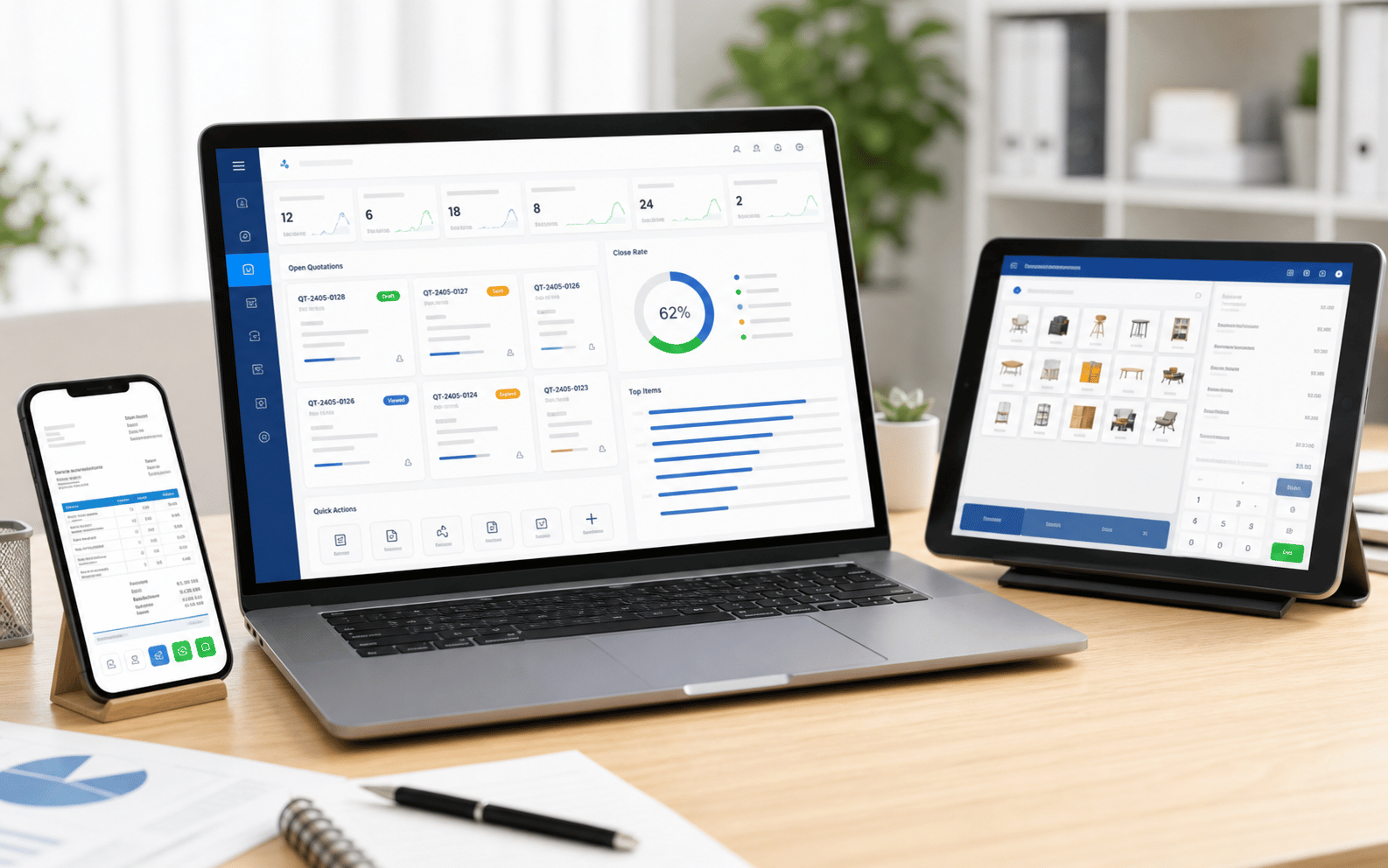
Good quotation software should help sales teams move from inquiry to document to follow-up without rebuilding the same customer and item details again.
Create a new quotation for a customer, add items and keep the pending sales conversation visible.
Use customer records from Online BMO or POS customer data where configured, so follow-up has context.
Add products, bundles, services or custom sales items into a clean quotation document.
Print a quotation for walk-in customers or send a PDF copy for WhatsApp, email or business approval.
Your team can prepare the quotation online, review the itemised document, generate a PDF copy and attach it to an email for customer approval or purchasing department review.
The PDF Copy Keeps The Quotation Professional And Easy For Customers To Forward Internally.
Once Quotations Are Tracked Properly, Management Can See Which Items Are Frequently Quoted, Which Sales Opportunities Remain Open, And How Many Quotes Turn Into Confirmed Business.
See active quotes waiting for customer decision.
Compare created quotations against closed sales.
Find products, packages or services that customers request most.
Prepare a professional copy for approval or customer review.
The page flow is designed for practical sales teams: create the quotation quickly, send the document, then keep follow-up and analysis visible.
Start from the customer record or create a new customer profile for the inquiry.
Insert products, services, bundles, quantity, pricing and notes into the quotation.
Generate a clean quotation copy for approval, counter discussion or online sending.
Review open quotes, close rate and top items so sales follow-up becomes measurable.
Quotation is most useful when it sits close to your customer, item, POS and reporting data instead of living in a separate spreadsheet.
Use the cloud business platform to access quotation records and analysis from the office or branch team.
For POS Web users, quotation can support a fully cloud sales workflow without local database setup.
Hybrid POS can keep outlet operations practical while syncing quotation and business data online where configured.
Quotation Management Is Especially Valuable When Customers Compare Options, Ask For Approval Documents, Or Buy After a Follow-up Conversation.
Prepare itemised quotes for resellers, dealers, repeat customers and B2B buyers.
Quote products, add-ons, installation or service packages before the customer commits.
Create a document for service work, parts, labour and customer approval.
Prepare package quotations for restaurants, catering jobs, event orders and corporate meals.
Quote stock items, accessories, optional services and delivery requirements.
Keep open quotations visible so your team knows which customers need attention next.
Tell Us How Your Team Prepares Quotations Today, Whether You Need Print, PDF Dending, Item Snalysis, Close-rate Reporting or CRM Follow-up. We Can Recommend The Right POS Cloud, POS Web Or Hybrid Setup.
Tell us your business type and outlet count. We will send pricing and arrange a walkthrough - no obligation.