Customer
QR Self Ordering
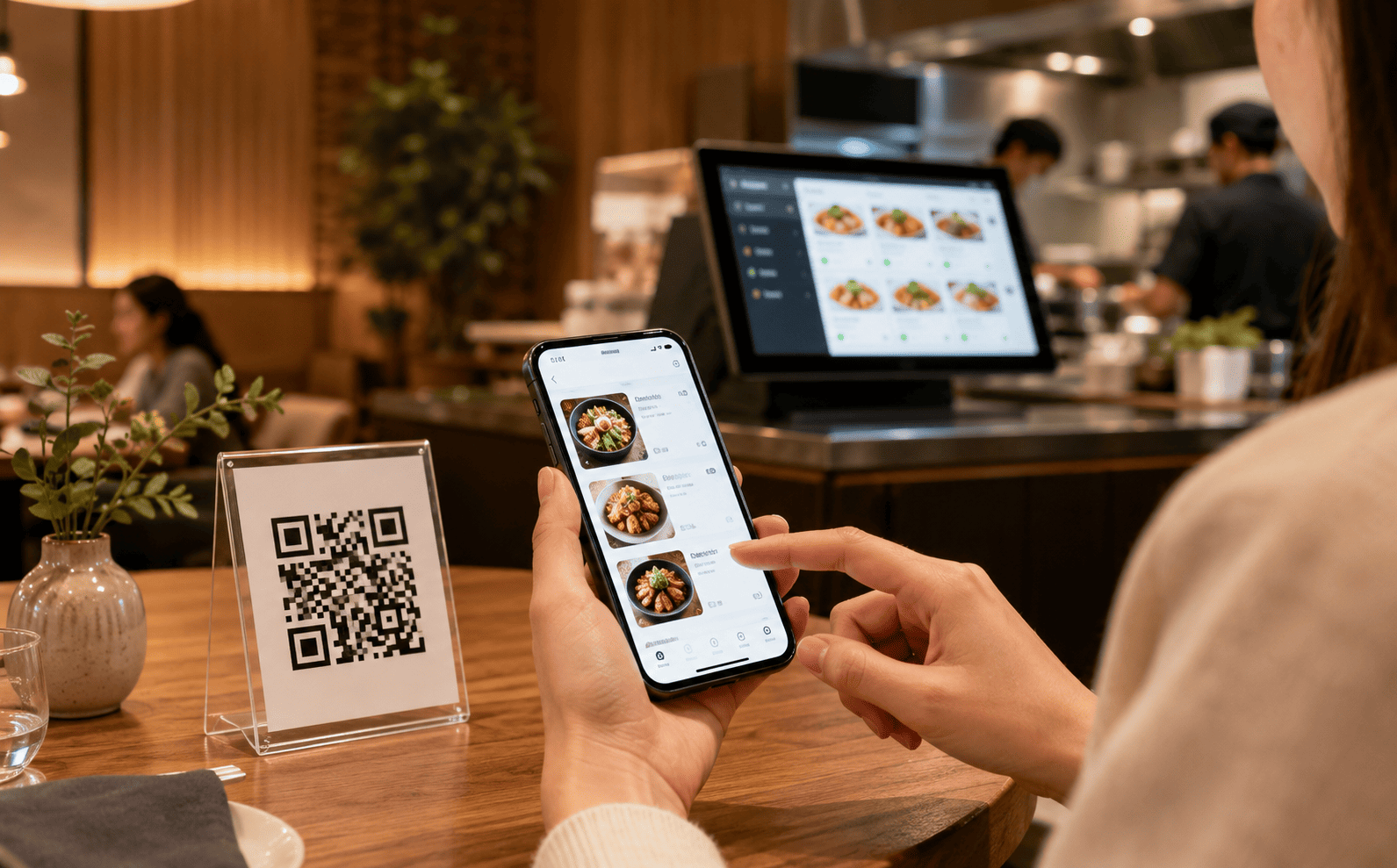
Customers scan a QR code, browse the menu and place orders from their phone.

BMO F&B POS combines tablet POS, customer QR ordering, kitchen printer flow, reporting and Malaysia e-Invoice demand support for cafes, restaurants, bakeries and food courts.
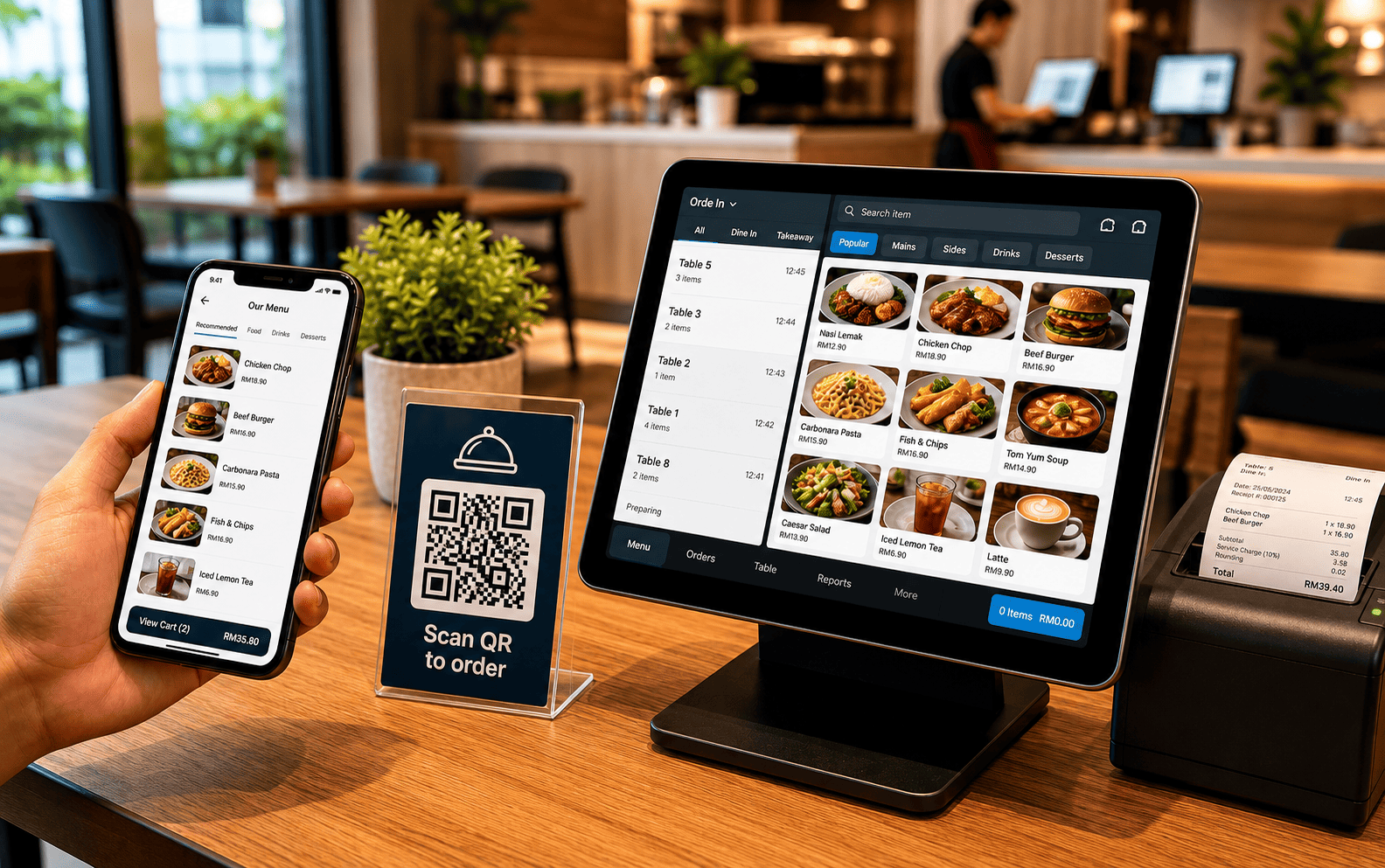
Current F&B POS expectations are clear: reduce waiting, improve order accuracy, route orders properly, and keep reports visible for owners.
Customers scan a QR code, browse the menu and place orders from their phone.
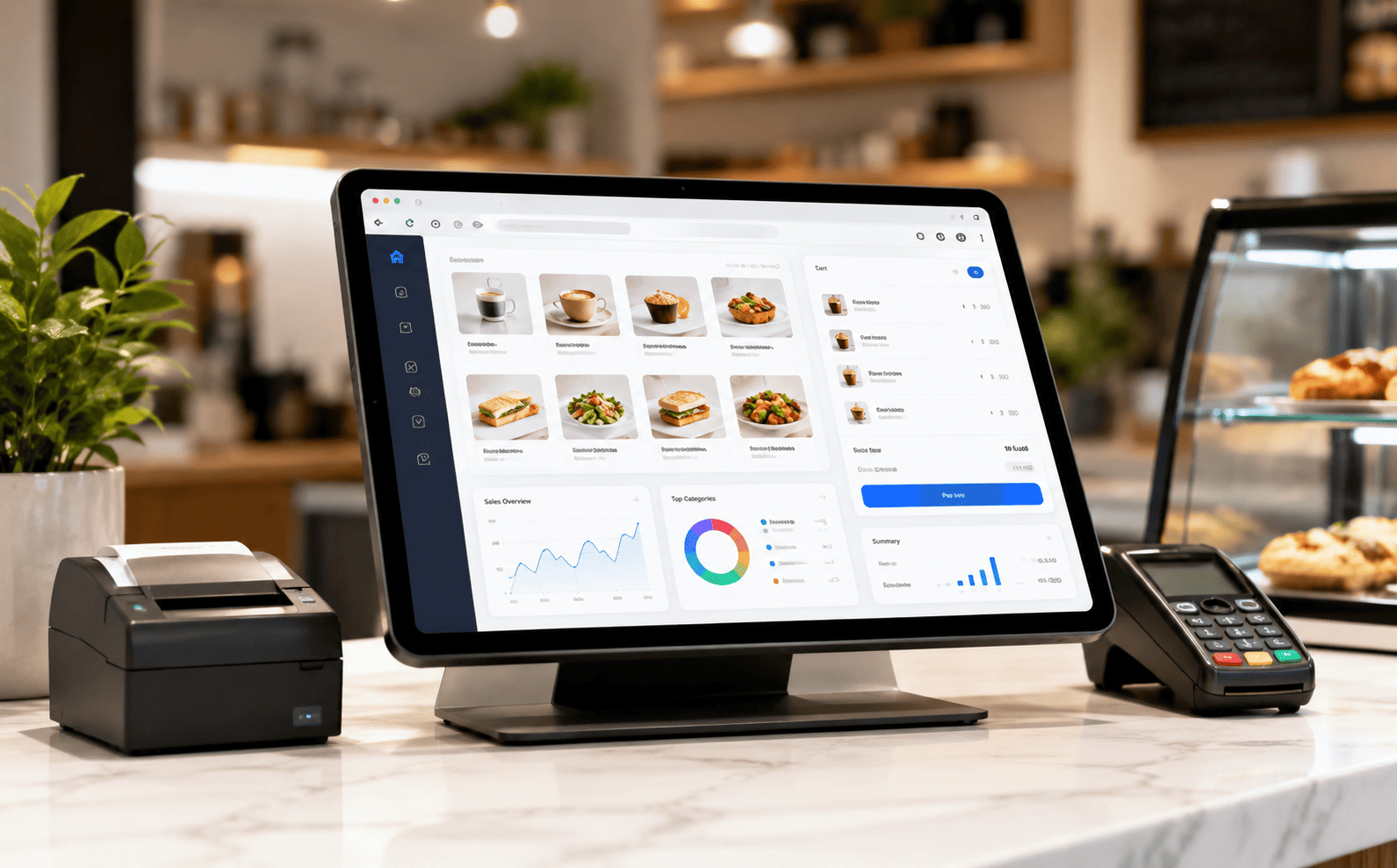
Run ordering, cashier flow and reporting from browser/tablet-style POS access.
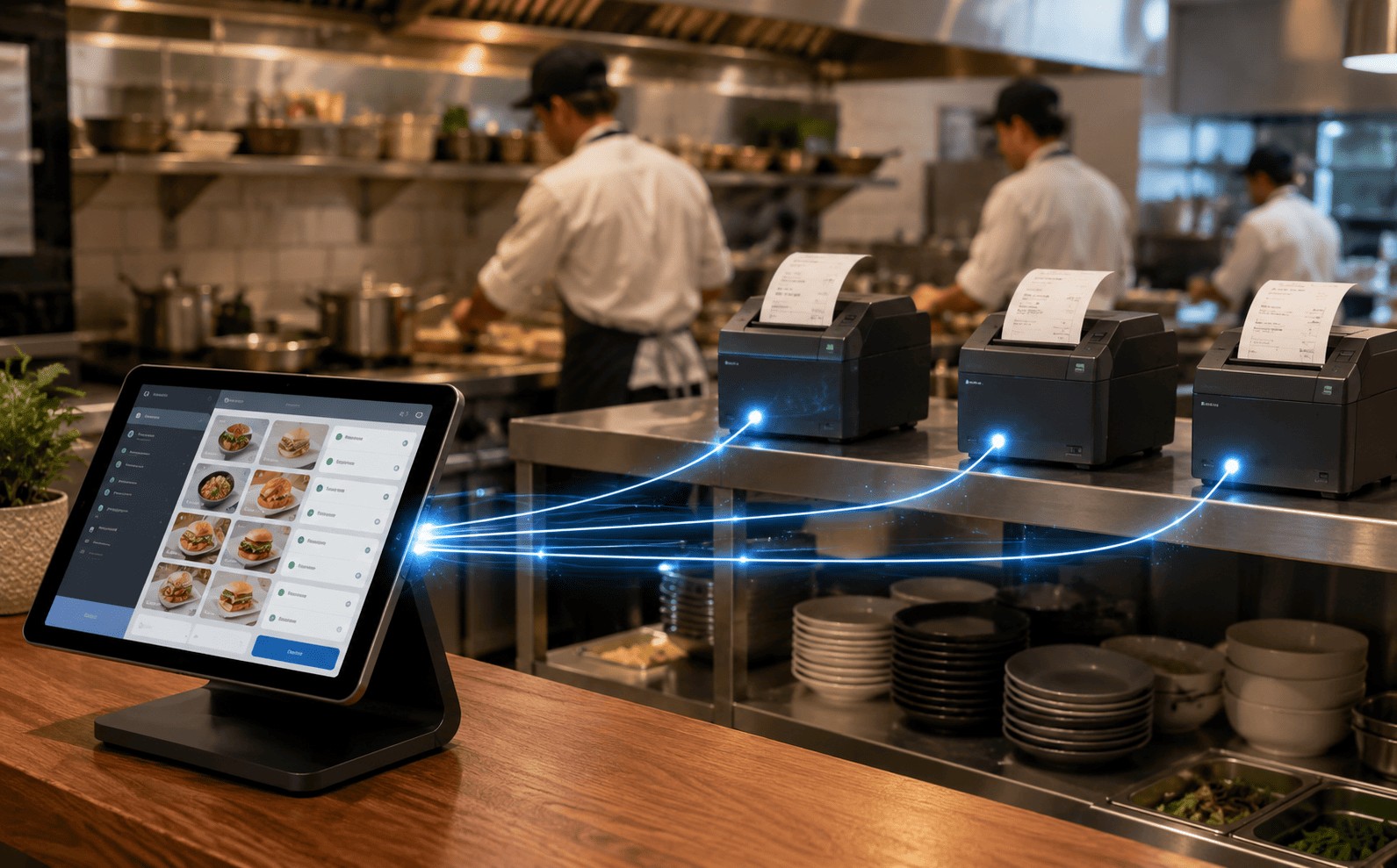
Print orders to different printers and support kitchen queue workflow.
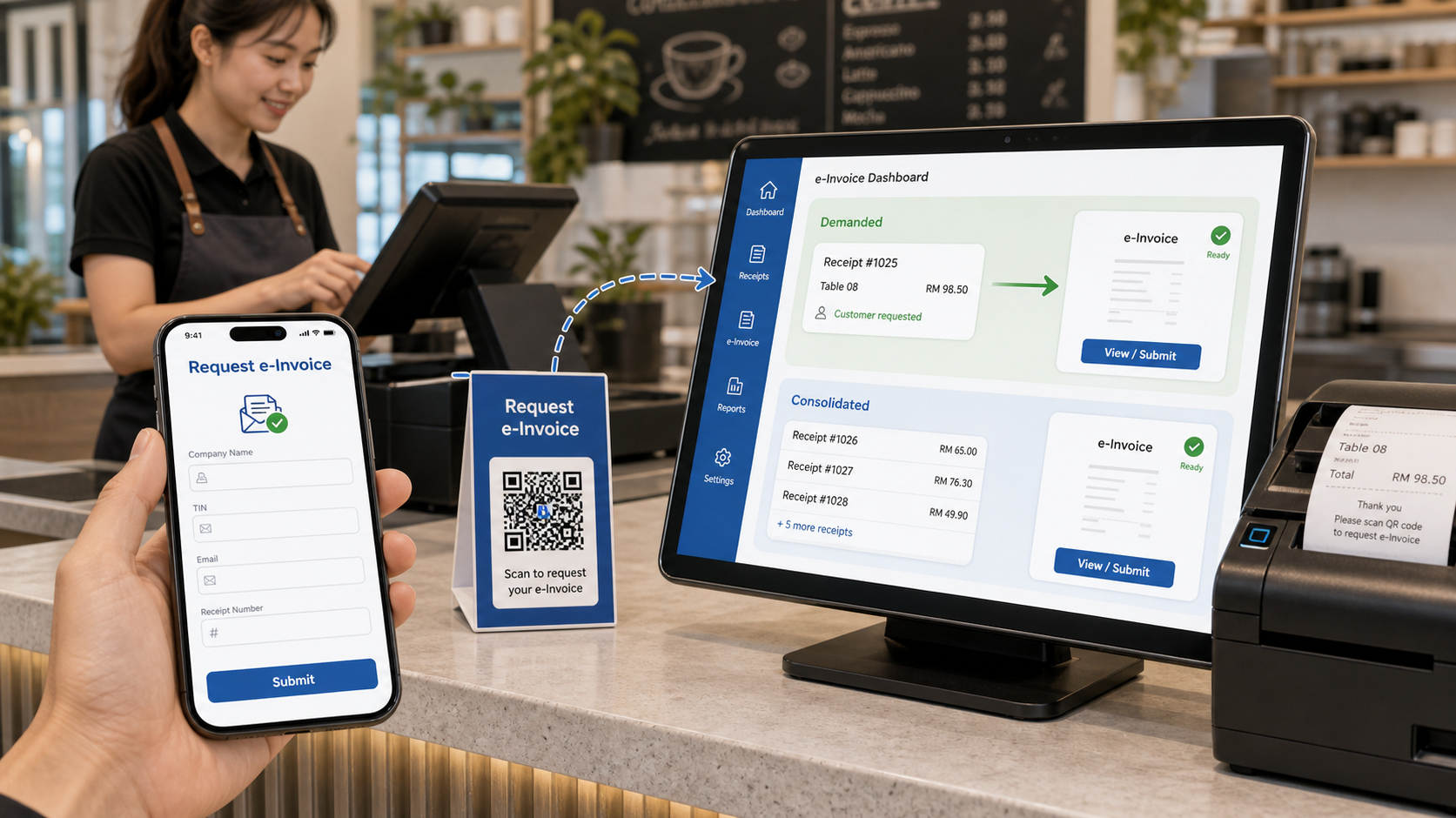
Customers can demand e-Invoice online, and POS can exclude demanded receipts from consolidated submission.
Customers can get a QR receipt, scan to open the menu, select food or beverages, submit the order and view the order summary. Orders are sent to the F&B BMO POS System for processing.
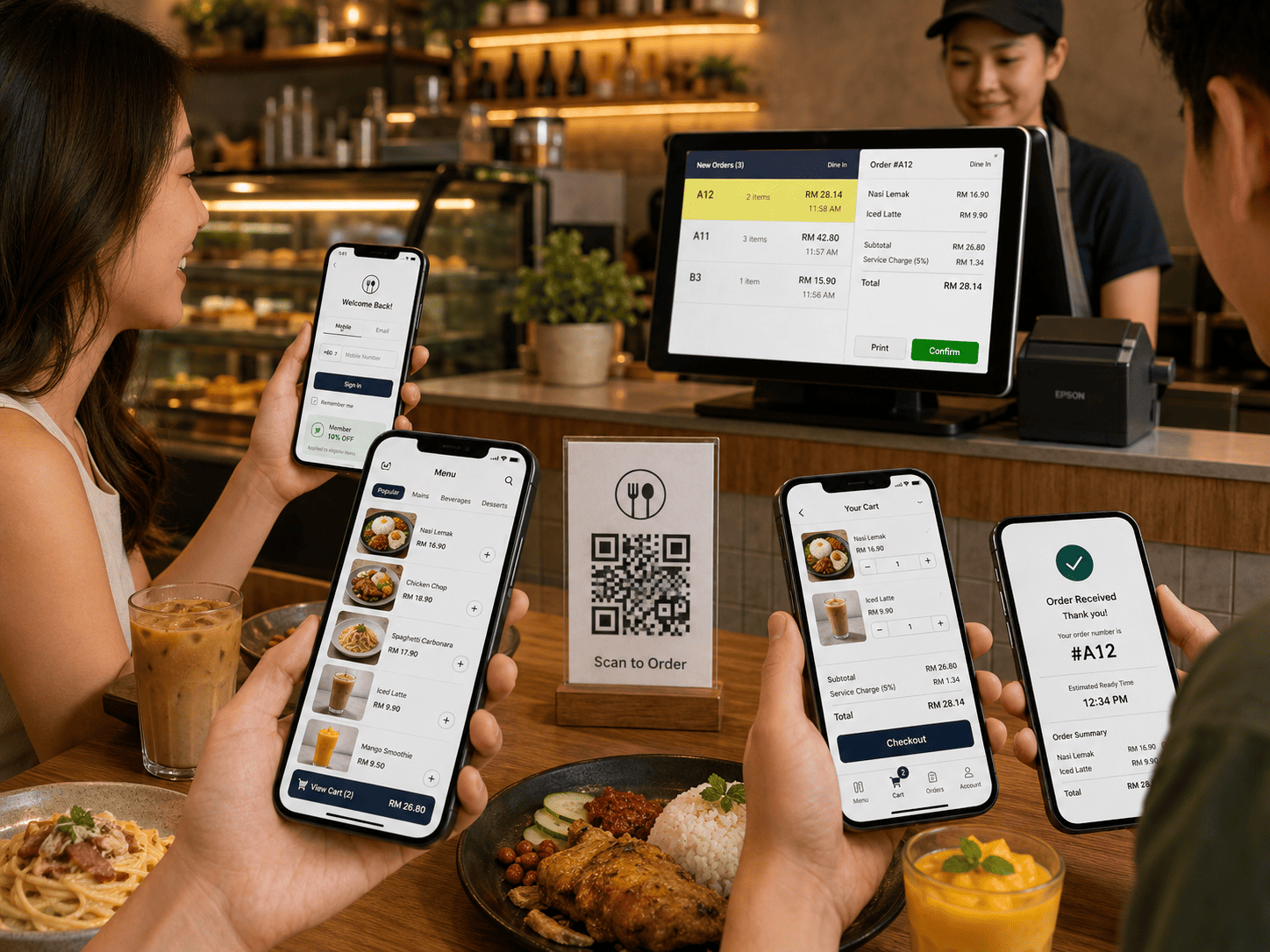
A simple front-of-house and back-of-house flow for cafes and restaurants that want less manual order taking.
Customer scans the QR code and opens the menu from their phone.
Customer chooses items, quantity and submits the order.
Orders are downloaded from cloud into the F&B POS workflow.
Kitchen printer and queue flow helps the team prepare and serve orders.
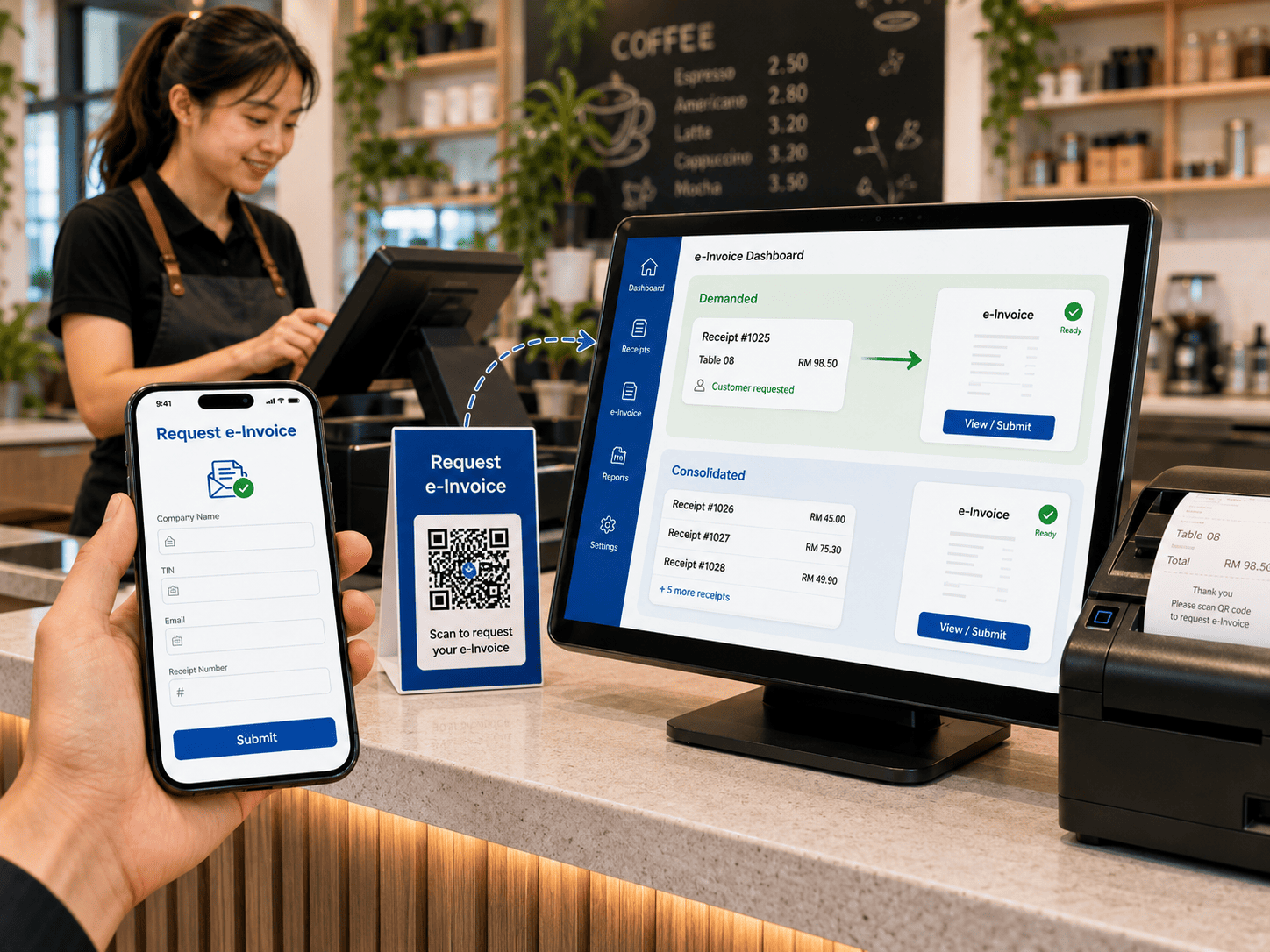
For Malaysia e-Invoice workflows, the POS system can support online e-Invoice demand. When a customer demands e-Invoice, the POS can be notified and exclude that receipt from consolidated invoice reporting.
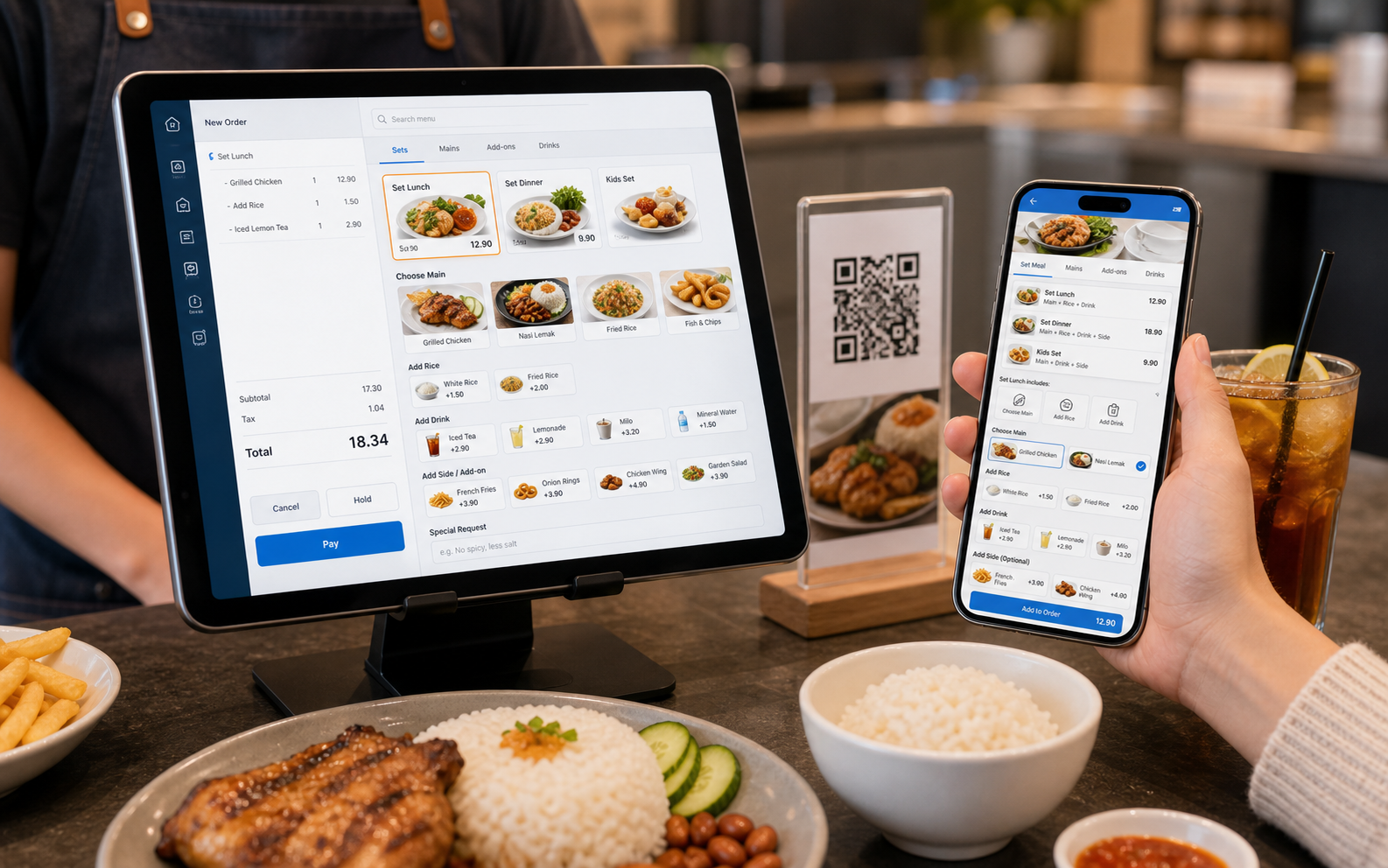
BMO F&B POS can support menu workflows where a meal is sold as a set, and customers or staff can choose options such as add rice, add drinks, extra side dishes or other item modifiers.
These are supported BMO POS features that matter most to restaurant, cafe and food service operations.
Support F&B ordering flow where the order can be retrieved later and payment completed after service.
Create shop layout for easier ordering and set receipt status such as dine in, takeaway or delivery.
Create set lunch, set dinner, combo meals and options such as add rice, add drinks, extra sides and other modifiers.
Use different printers for receipt and kitchen item details, including kitchen usage scenarios.
Inventory supports ingredient and usage reporting for better food cost visibility.
Generate reports on the fly, use Z-reports, auto-email reports and mobile report access.
The F&B bundle gives you a counter setup for restaurant and cafe operations. Add POS Web and QR ordering when you want customer self-ordering, mobile menu flow and remote visibility.
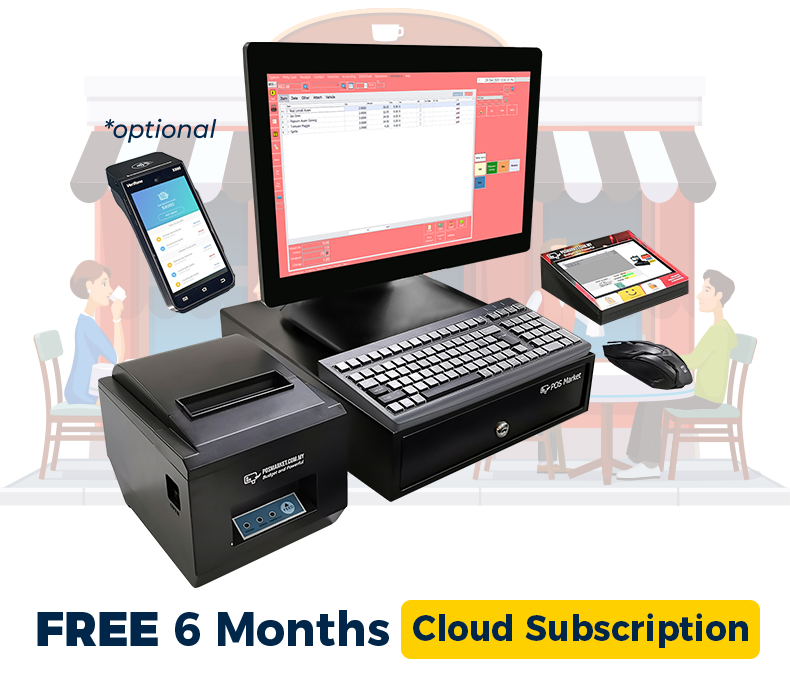
Tell us your restaurant type, number of tables, ordering flow, kitchen printer needs and e-Invoice workflow. We will recommend the right F&B POS + POS Web + QR ordering setup.
Tell us your business type and outlet count. We will send pricing and arrange a walkthrough - no obligation.