Manage Anywhere
Owners can review reports and operations through online or mobile access instead of waiting for local files.

A cloud POS connects sales, items, reports, branches and customer activity through online systems. For POSMarket, the fully cloud product is BMO POS Web, while BMO Hybrid POS supports cloud sync for shops that still need a local POS terminal.
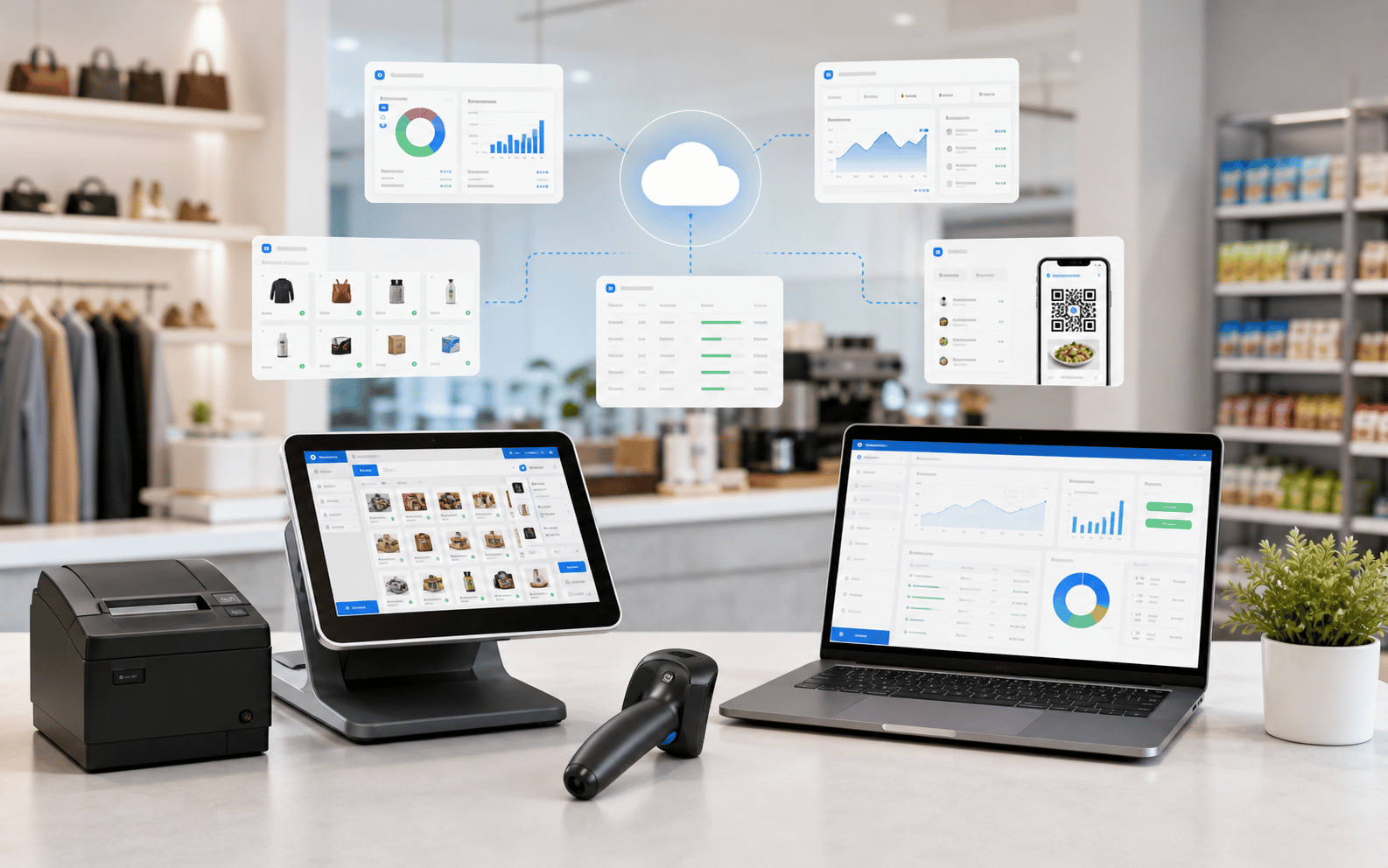
Cloud POS uses online infrastructure to keep sales and business information connected beyond one cashier machine. It helps owners see what is happening without physically visiting every terminal.
Owners can review reports and operations through online or mobile access instead of waiting for local files.
Cloud systems help connect multiple outlets so branch activity is easier to compare and manage.
Sales and stock movement can be tracked across locations, reducing blind spots in daily inventory decisions.
Real-time or scheduled reporting helps owners see trends, busy periods and product performance sooner.
Choose POS Web when you want browser-first cloud operation. Choose Hybrid POS when you need local POS operation with cloud sync for head office reporting.
POS Web runs from the browser and uses a fully cloud setup, so there is no local database setup at the outlet. It is suitable for many industries, especially businesses that want fast rollout, cloud reports, QR ordering and remote visibility.
Hybrid POS keeps a local POS terminal for counter operation, then syncs data to cloud when the system is vacant. This is useful for outlets that value local POS continuity but still want centralized reporting and branch visibility.
Good cloud POS should help owners reduce blind spots. Sales, stock, customer records and reports become easier to access across outlets, so decision-making is not trapped inside one computer.
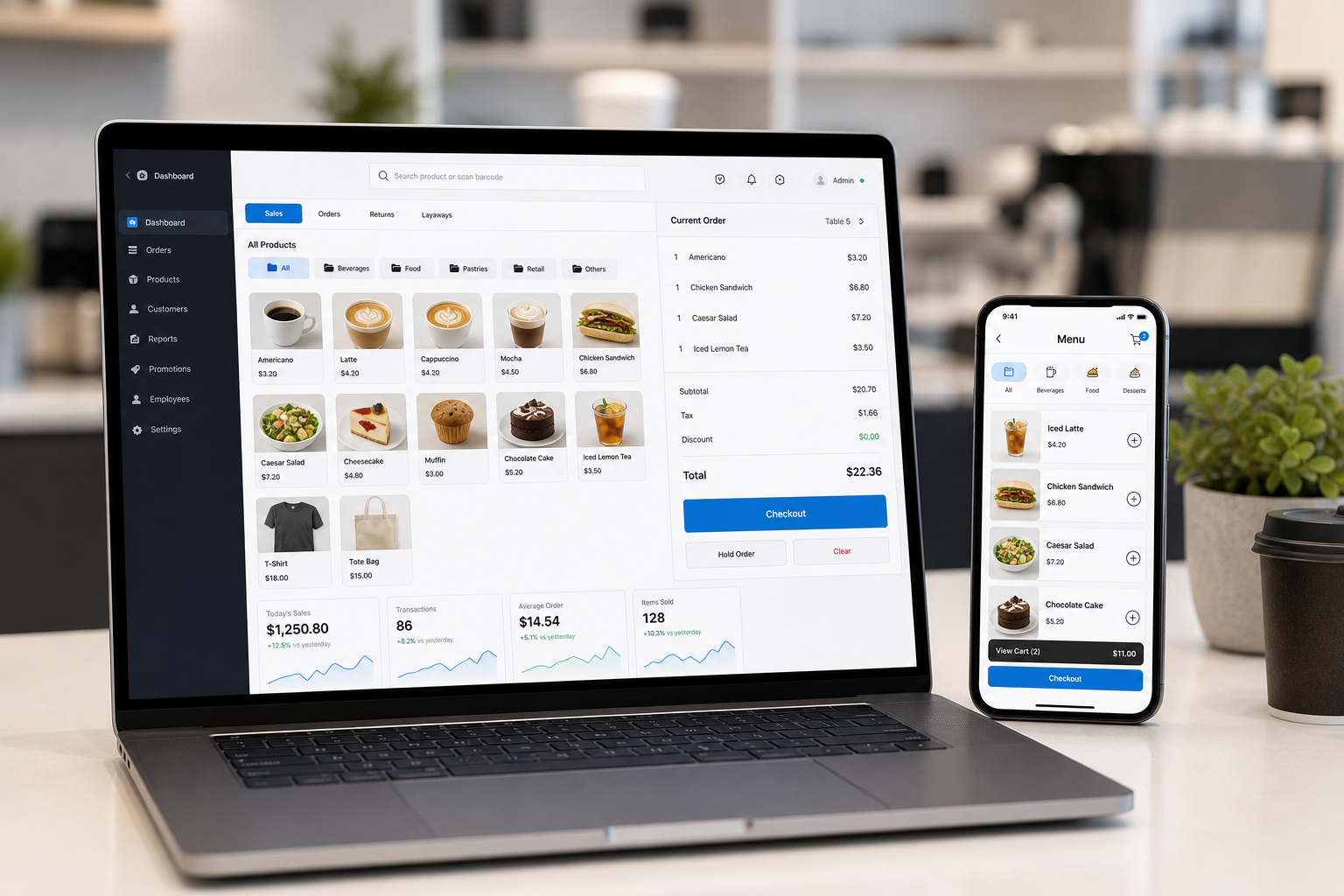
The right answer depends on your internet reliability, hardware needs, branch count and how quickly you want to roll out cloud operations.
Choose POS Web. It is the cleanest route when you want browser POS and cloud operation from the start.
Choose Hybrid POS if the counter should keep using a local POS terminal, with cloud sync when vacant.
POS Web is the stronger fit for customer self-ordering, item options, add-ons and F&B set workflows.
Both routes can support cloud visibility, but POS Web is more cloud-first while Hybrid is a sync bridge.
Cloud POS is not limited to one business type. The strongest value appears when owners need remote visibility, multiple users or faster rollout.
Use cloud visibility for inventory, item setup, barcode sales, customer loyalty and multi-outlet reporting.
Support browser POS, customer QR ordering, add-ons, item sets, receipt status and e-Invoice demand.
Use cloud access to deploy counters without complex local database preparation for short-term sales.
Keep member and customer data easier to access when service teams need continuity across counters.
Use cloud product and customer control to support larger item lists and repeat customer workflows.
Centralize reporting and branch management so managers can compare outlets with less manual consolidation.
Tell us your industry, internet condition, outlet count, QR ordering needs and current POS setup. We can recommend the right cloud path without forcing every shop into the same model.
Tell us your business type and outlet count. We will send pricing and arrange a walkthrough - no obligation.