Who should choose this
- Restaurants and cafes using QR ordering
- Tablet or PC counters that prefer browser POS
- Owners who want cloud reports and access anywhere
- Businesses that prefer monthly subscription
- Cloud-first retail, F&B and service counters

BMO POS Web runs from a browser as a cloud POS system. It is suitable for tablet and PC on Windows, Android or iOS, with customer QR ordering, kitchen notification, consolidated e-Invoice, on-demand e-Invoice, Z-reports and daily reporting.
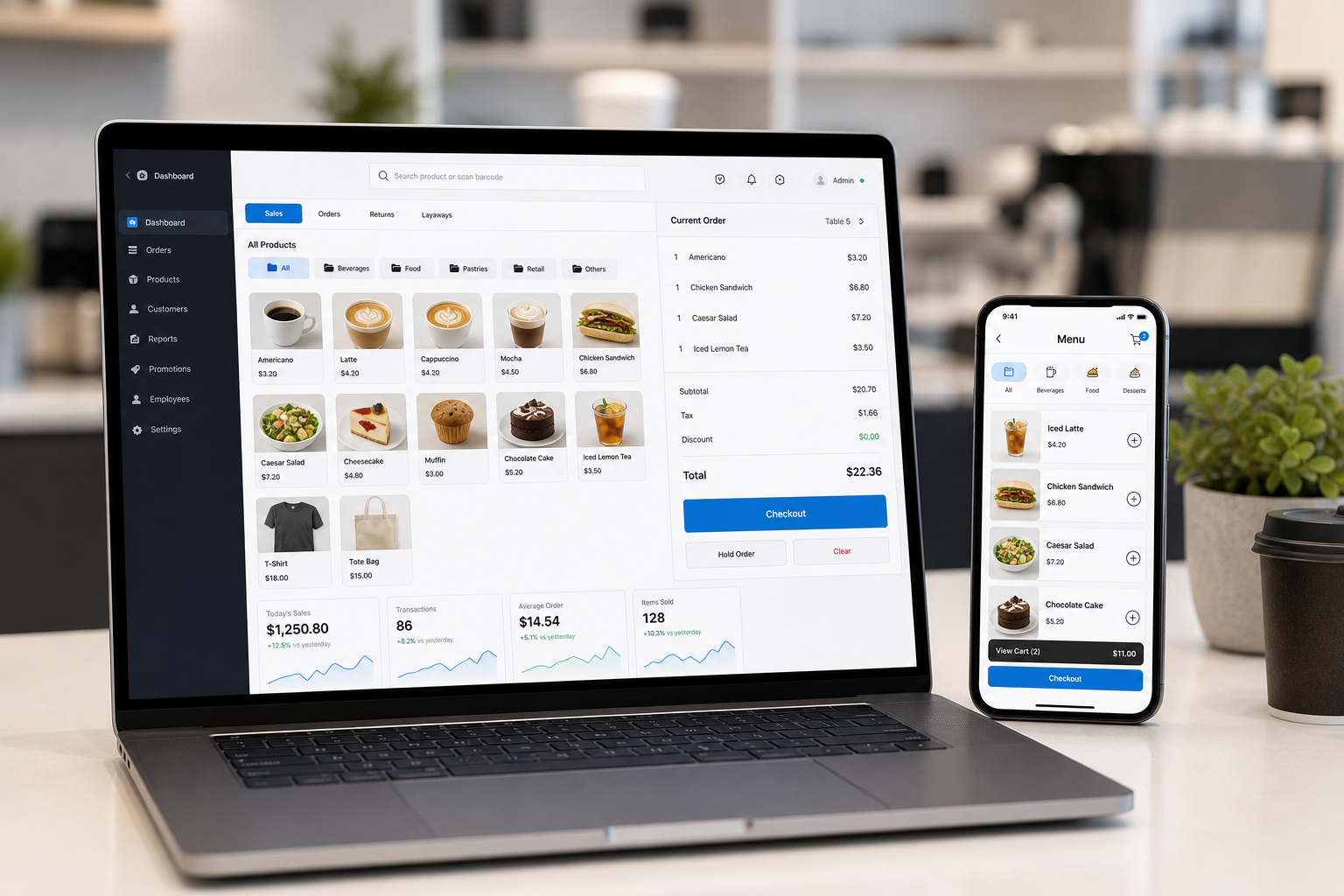
POS Web is a browser-based cloud POS, so it can run on tablets and PCs using Windows, Android or iOS with a supported browser.
Run cashier operation from browser without local database setup.
Access POS data, reporting and management tools online where permission allows.
Customers scan QR, order from their phone and pay at counter.
Kitchen can see new orders and complete order items during preparation.
Prepare consolidated submission for eligible POS receipts where configured.
Customer can request e-Invoice details through online demand flow where configured.
Review daily closing, cashier sales, item sales and multiple operational reports.
Use on Windows, Android or iOS devices with a supported browser.
Because POS Web runs in a browser, the same cloud POS direction can fit different counters: Android tablet, iPad/iOS browser, Windows PC, or other supported browser devices.
Browser cashier screen for fixed counter use.
Lightweight tablet POS for F&B or mobile counter flow.
Use supported browser for tablet-friendly POS operation.
Access data and reports online based on user permission.
POS Web is browser-based. Hardware such as tablet, receipt printer, scanner or cash drawer can be added depending on counter requirements. Exact e-Invoice and QR ordering setup depends on package configuration.
Tell us your business type and outlet count. We will send pricing and arrange a walkthrough - no obligation.