Online request form
Customer fills up business, tax and contact details through an online form after purchase.

When a Customer Asks For an Individual e-Invoice, POSMarket Demand e-Invoice Lets Them Fill Up an Online Form. The Receipt Is Then Marked As Demanded And Excluded From The Consolidated e-Invoice Batch.
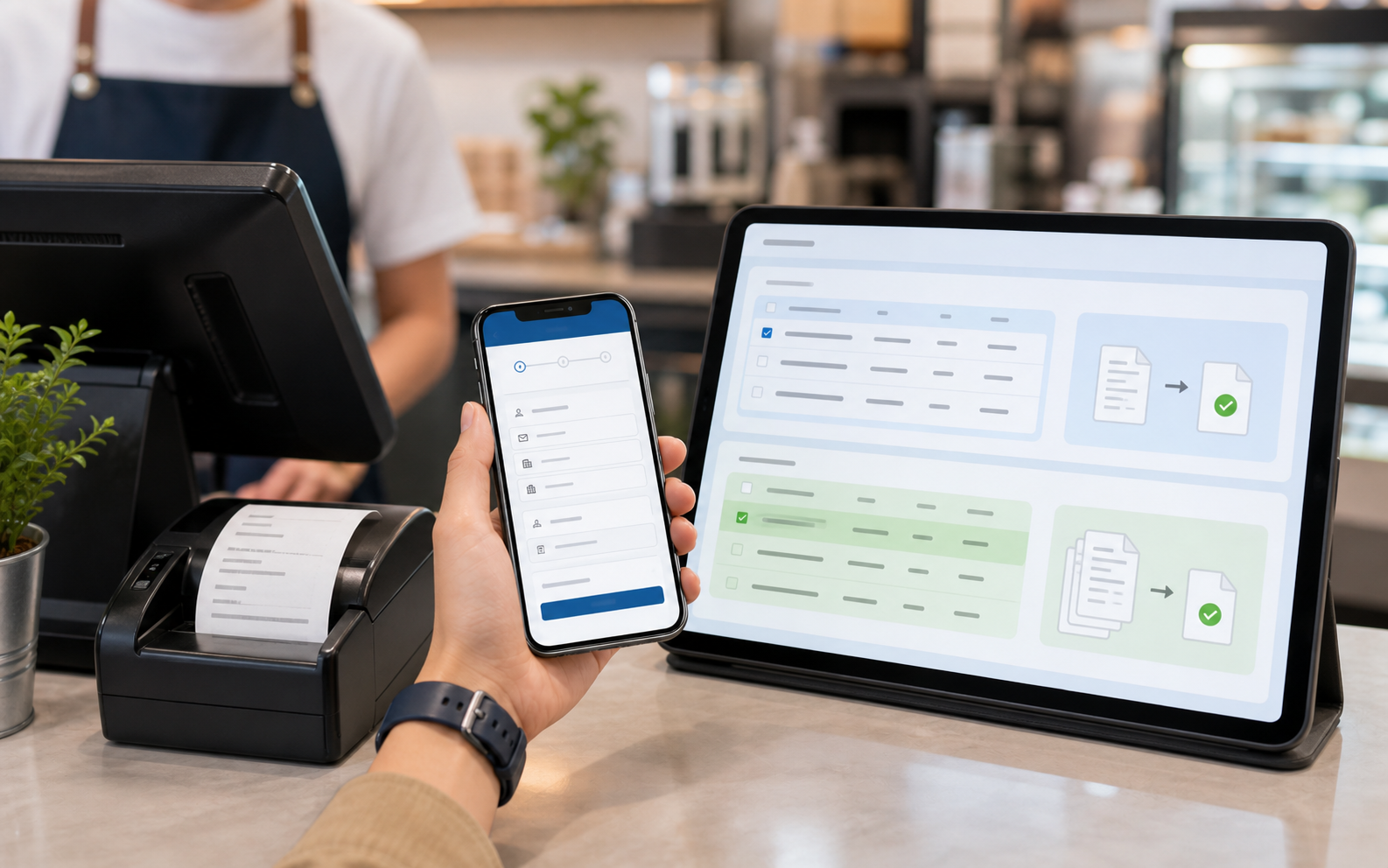
Most Walk-in Receipts Do Not Need an Individual e-Invoice Immediately. Demand e-Invoice Handles The exception: The Customer Who Asks For One.
Customer fills up business, tax and contact details through an online form after purchase.
The POS can identify the receipt and mark it as demanded so it does not enter consolidated submission.
The demanded transaction can be processed as an individual e-Invoice through the supported workflow.
The demand Page Should Feel Simple For Customers: They Enter Their Receipt Reference, Buyer Details And Contact Information, Then Submit The Request Online. Staff Do Not Need To Collect The Details Manually Over Chat or Paper.
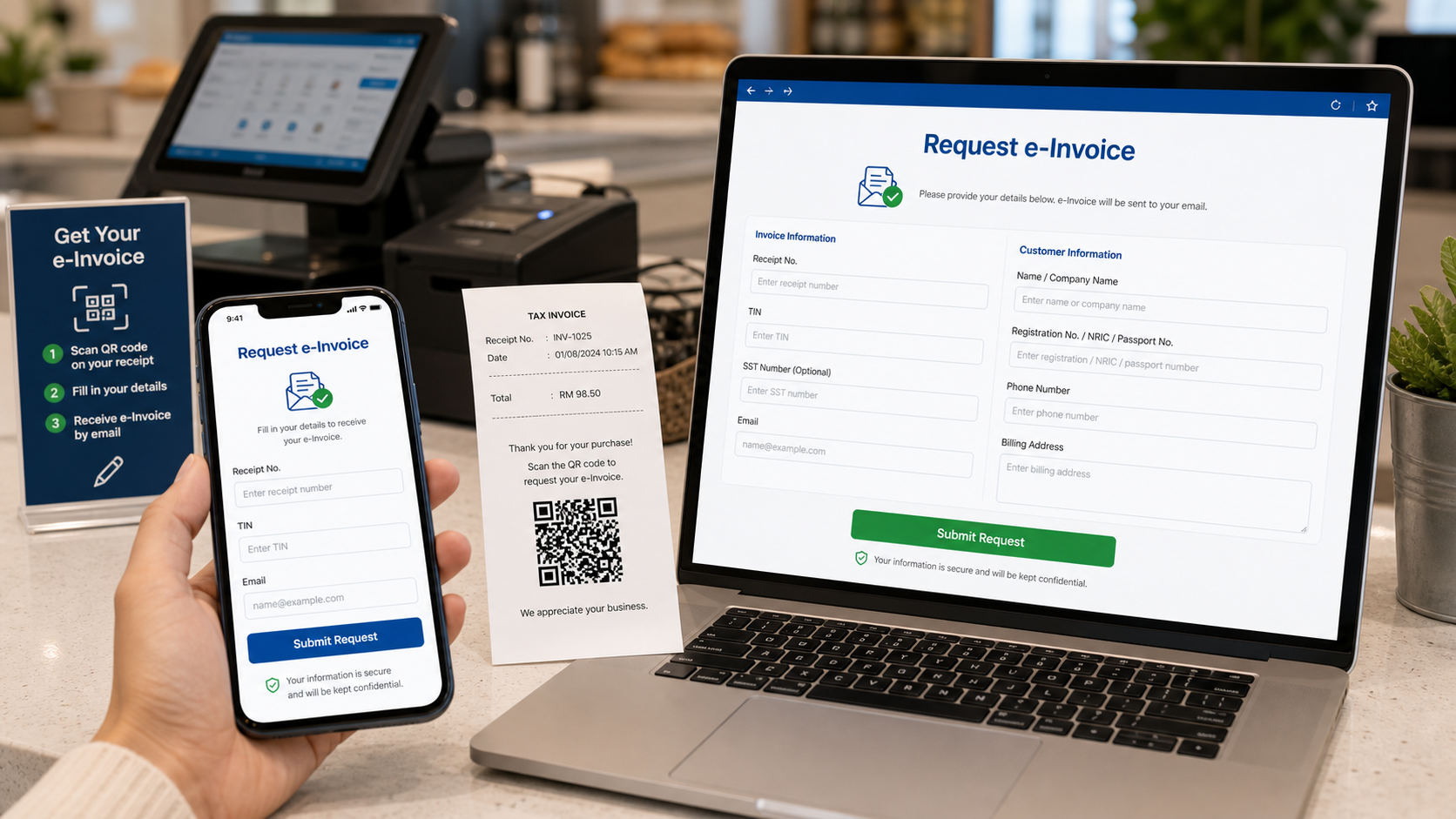
Based on the original e-Invoice scenario: the customer requests from a web page, the POS is notified, and the demanded receipt is excluded from the consolidated invoice.
Transaction is created in POS Web or Hybrid POS and remains eligible for consolidation by default.
Customer opens the web page and submits the online e-Invoice demand form.
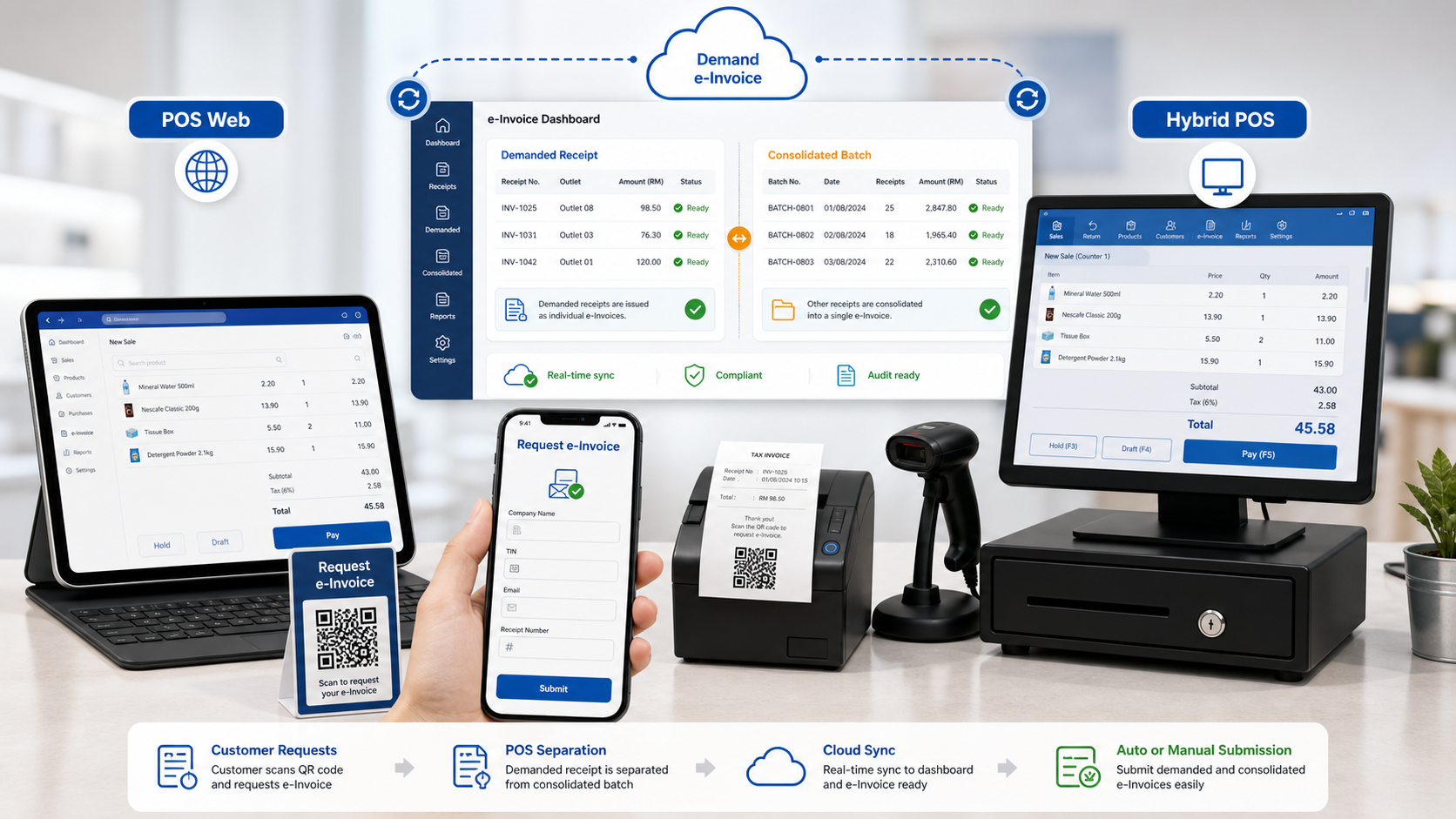
Once demanded, POS is notified and separates that receipt from the consolidated invoice batch.
Business owner issues the individual e-Invoice through the supported accounting or BMO workflow.
Your special feature is strongest when described plainly: POS Web and Hybrid POS support both demand e-Invoice and consolidated e-Invoice workflow, so individual customer requests do not mix with normal batch submission.
Tell us how customers receive receipts today and how your team issues e-Invoice. We can recommend the right demand form and POS workflow.
Tell us your business type and outlet count. We will send pricing and arrange a walkthrough - no obligation.